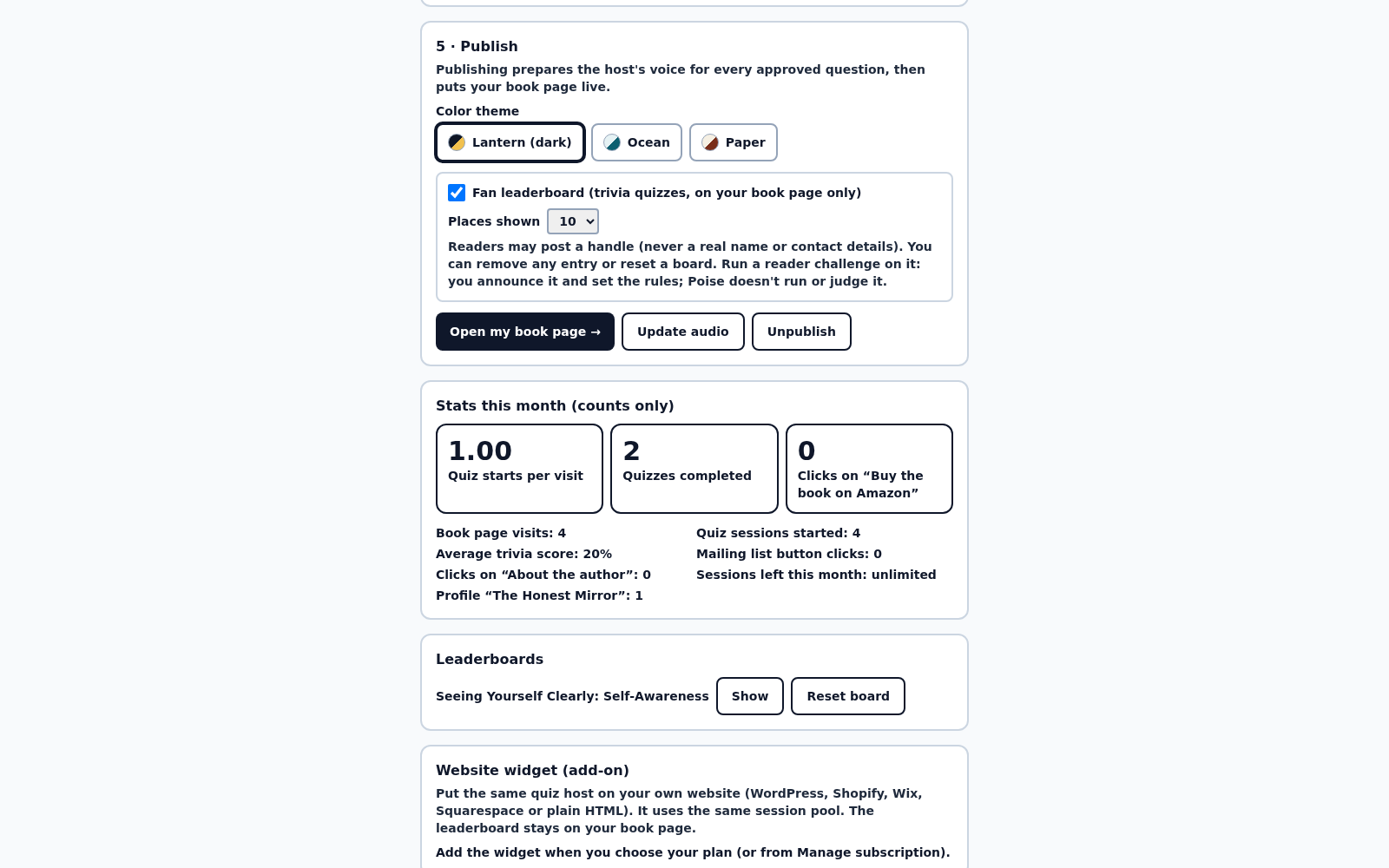
How it works, in five steps
Everything happens in the Store Manager. A checklist at the top shows what's done and the one next step.
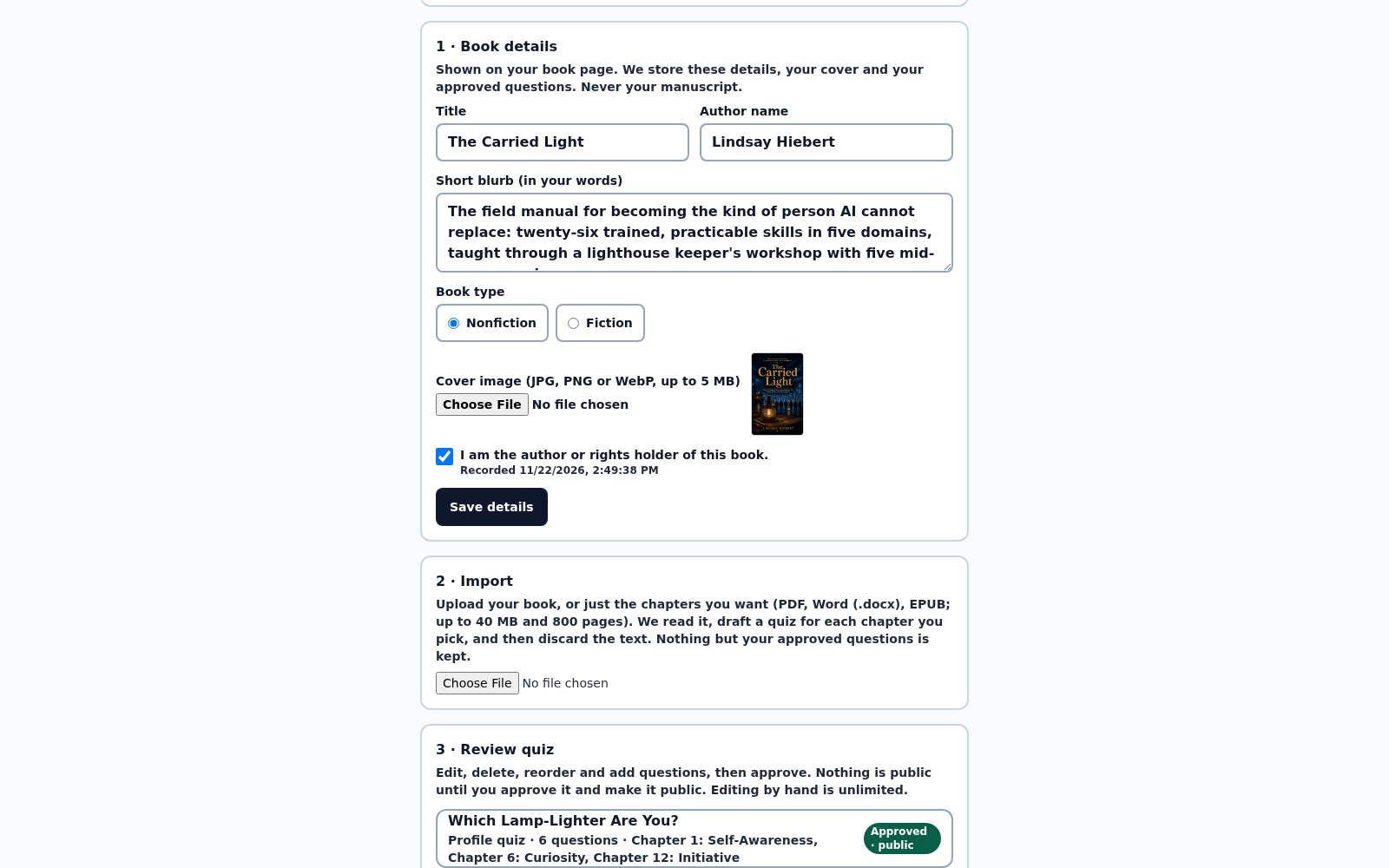
1. Book details
Add the title, your name, a short blurb in your own words and your cover. Tick the box that says you are the author or rights holder; we record the date.
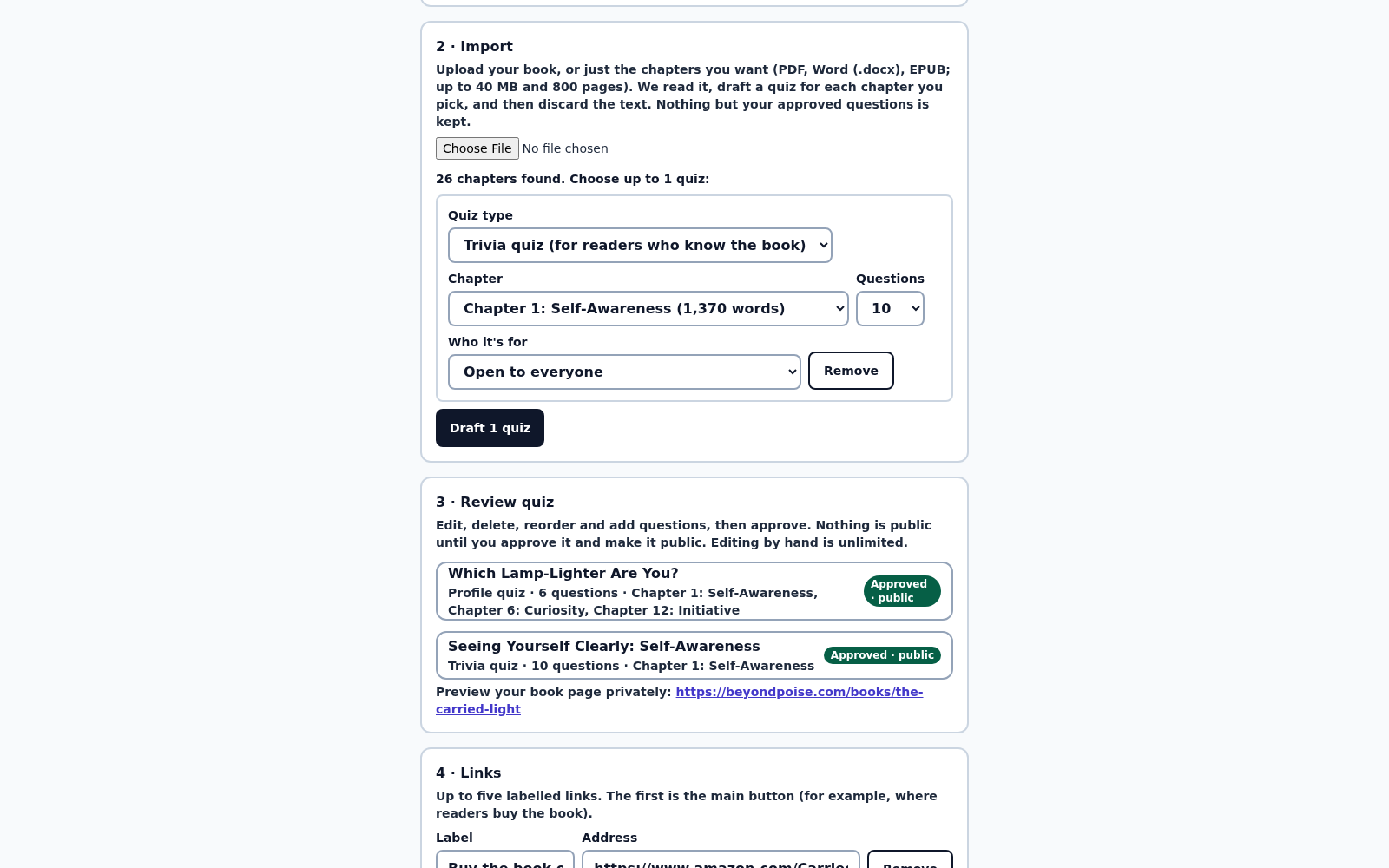
2. Import
Upload your book, or just the chapters you want (PDF, Word or EPUB). Pick one to three chapters and choose a quiz type for each: a profile quiz for new readers, or trivia for readers who know the book. We read the chapters, draft the quizzes and discard the text.
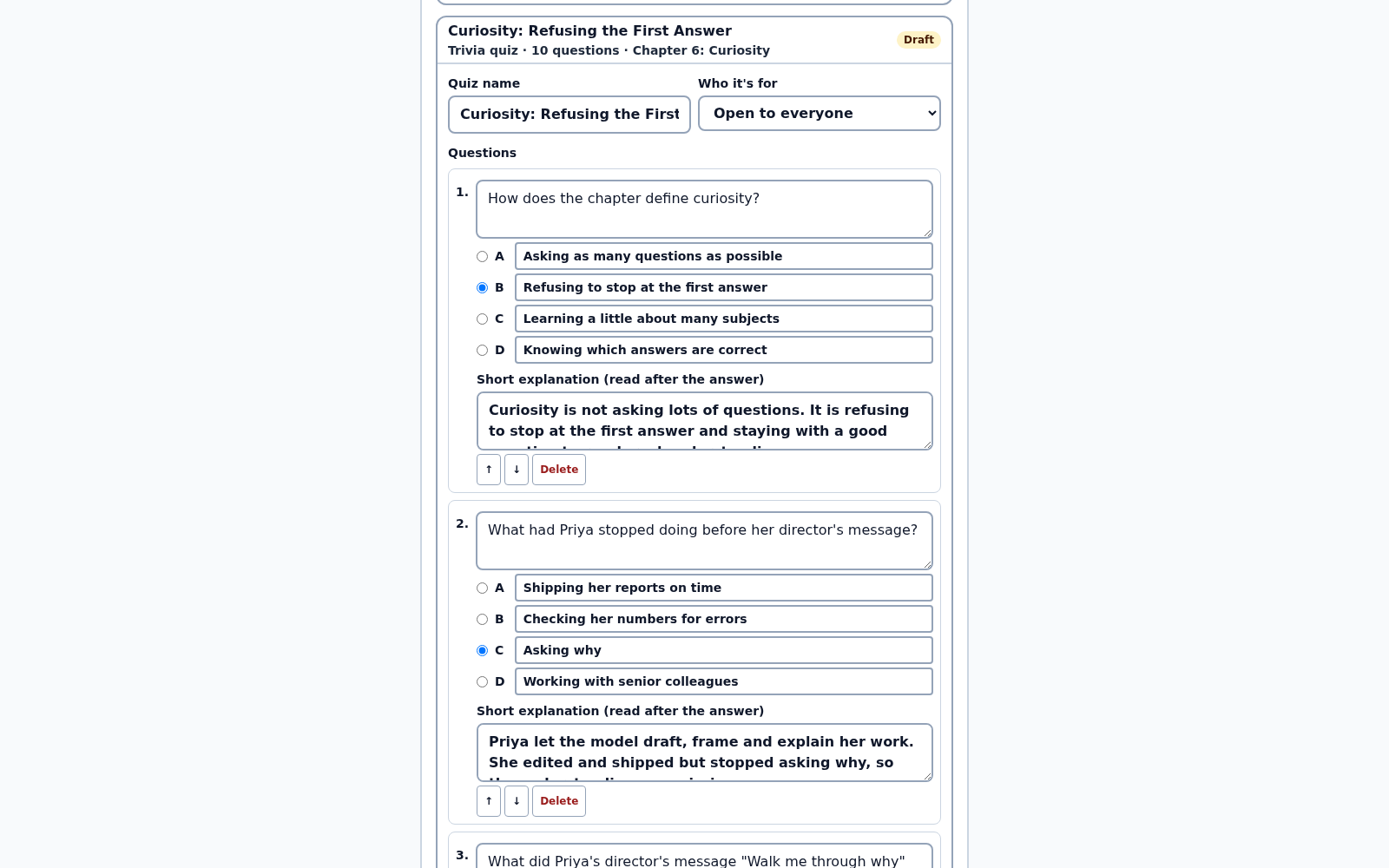
3. Review quiz
Edit, delete, reorder and add questions. Every trivia question has a short explanation that a new reader learns from. Approve each quiz and choose whether it is public. Nothing is public until you approve it.
4. Links
Add your main button (where readers buy the book) and up to four more links. Add your own mailing list sign-up page if you like: readers join your list there, and we never collect their email.
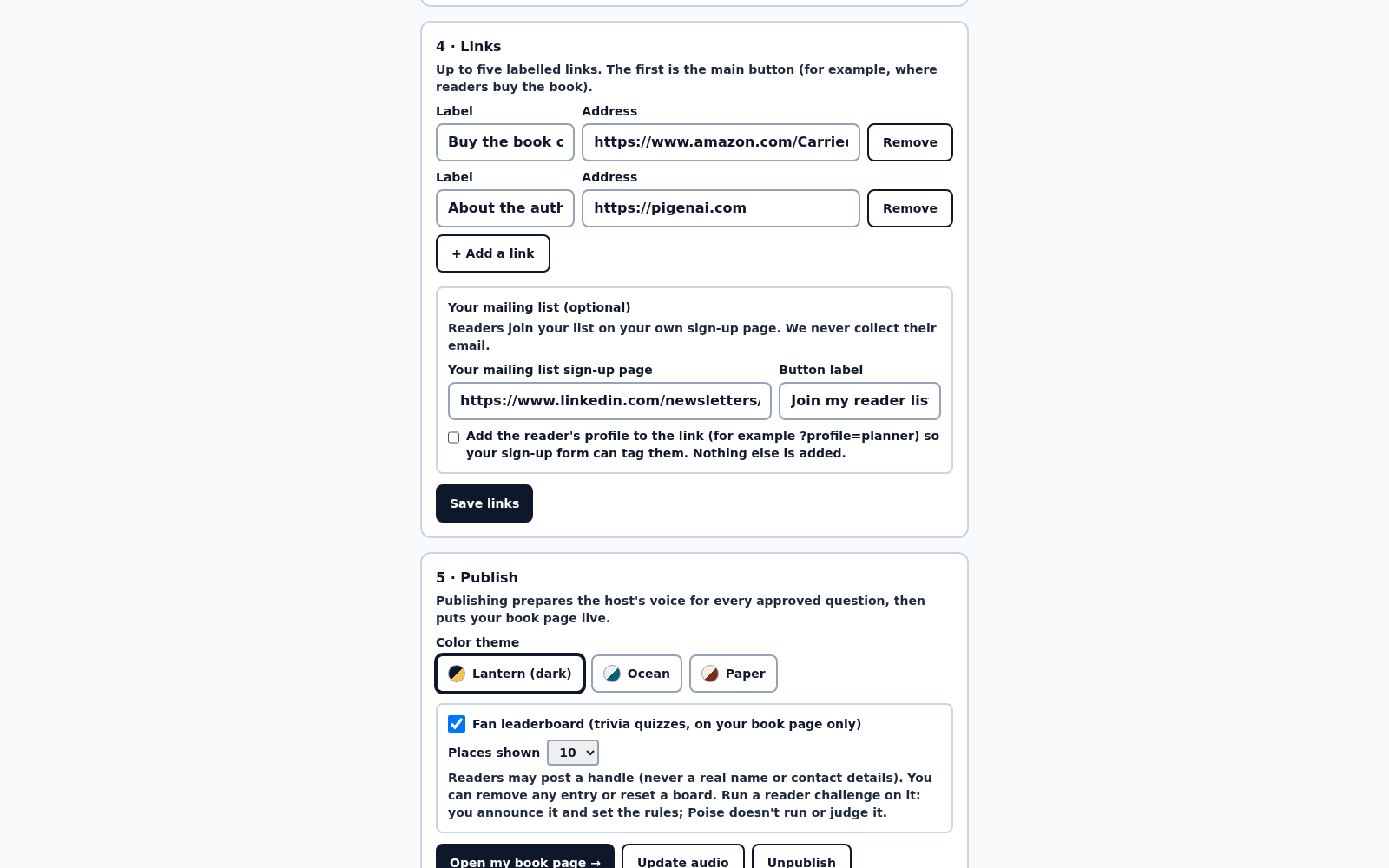
5. Publish
Choose a color theme, turn on the fan leaderboard if you want one, and publish. Your book page goes live, the host reads every question aloud, and your stats start counting.